Students searching for the odisha sslc result 2026 should note an important naming difference: the Board of Secondary Education (BSE), Odisha officially refers to the Class 10 board result as the Annual High School Certificate (AHSC) or HSC/Matric result. The 2026 Class 10 result was declared on 2 May 2026. The result announcement was made at 4:00 pm, and online scorecard access was activated later that evening. Indian Express Education
This guide explains how to locate a legitimate result page, view and save your scorecard, use alternatives if a website is busy, check the information on your result, and take the right next step after receiving your marks.
Key Takeaways
- BSE Odisha declared the 2026 Class 10/AHSC result on 2 May 2026.
- Use the official BSE Odisha website for current notices and result-related announcements.
- Keep your roll number and admit card ready before opening a result page.
- The online scorecard is useful for immediate reference, but students should collect original documents through their schools.
- Check every personal and academic detail on the result before using it for Class 11 admission.
- BSE Odisha issued notices for supplementary examinations and checking/addition of marks after the 2026 annual result.
Odisha SSLC Result 2026: Official Status
The Odisha Class 10 result for 2026 has already been declared by BSE Odisha. The reported overall pass percentage for the annual Class 10 examination was 95.33%. Careers360
Although many people use “SSLC” in searches, students should look for terms such as:
- BSE Odisha Class 10 Result
- Odisha Matric Result
- Annual HSC Examination Result
- AHSC Result 2026
- BSE Odisha 10th Result
This matters because using the board’s official terminology makes it easier to identify the correct notice and avoid unrelated Class 10 results from other states or boards.
The official BSE Odisha website remains the safest starting point for announcements, certificates, examination notices, supplementary-result information, and post-result services. The board’s current website identifies itself as the Board of Secondary Education, Odisha, Government of Odisha. BSE Odisha
How to Check the Odisha Class 10 Result Online
On the original result day, students could access their digital scorecards through the result link activated by the board. Result links can later be moved, archived, or removed, so avoid relying on old social-media posts, forwarded messages, or copied URLs.
Follow this process whenever BSE Odisha provides an active result link:
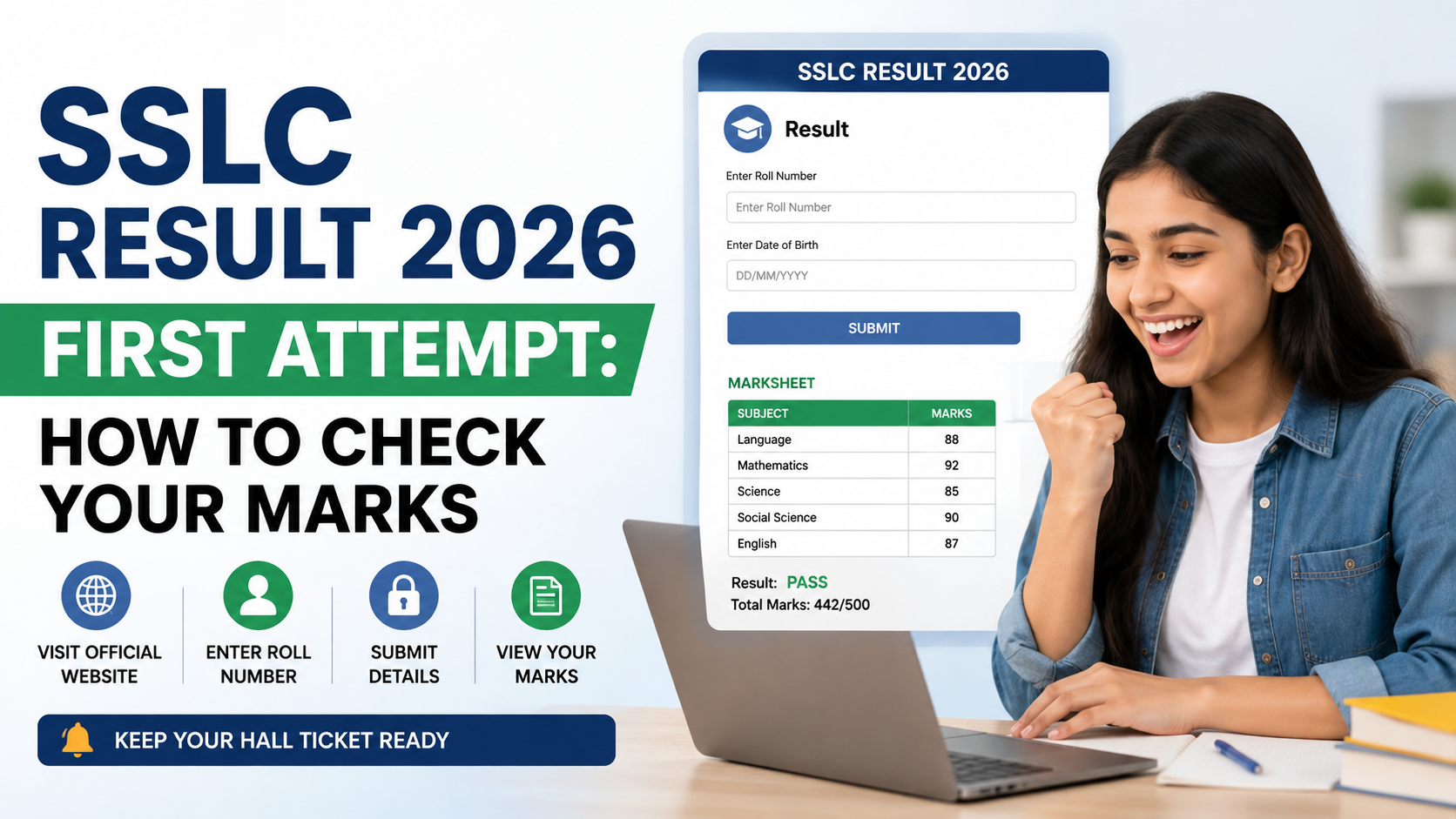
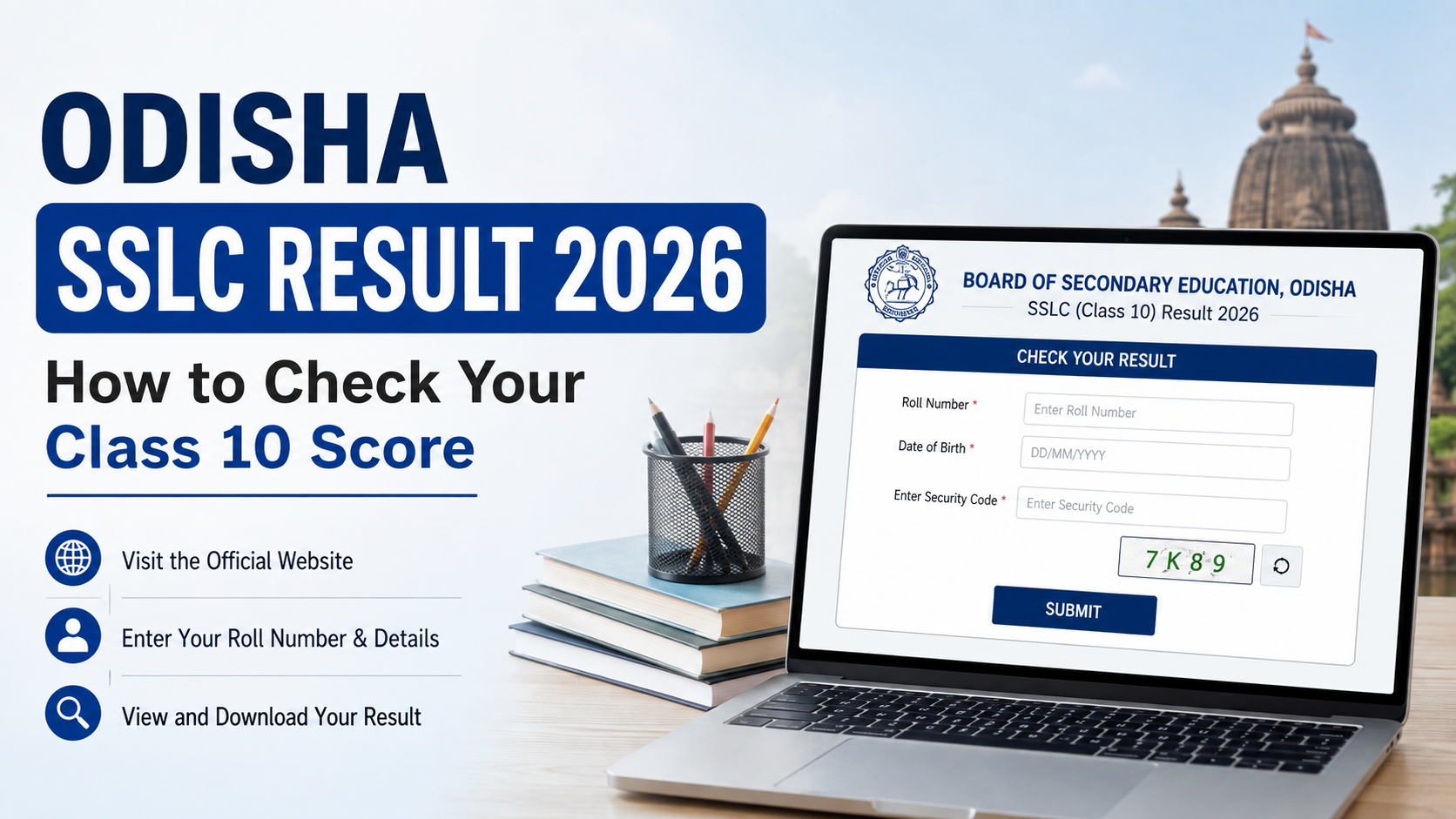
- Visit the official BSE Odisha website.
- Look for a notice or link referring to the Annual HSC Result, Class 10 Result, or Matric Result.
- Open the active result page.
- Enter the details requested on the page, such as your roll number and name.
- Select the option to find or view the result.
- Check the displayed scorecard carefully.
- Download the page as a PDF or take a clear printout for temporary use.
Use the details exactly as printed on the admit card. A small error in the roll number or spelling of a name can prevent the result from appearing.
Keep These Details Ready
Before you begin, keep the following nearby:
| Item | Why it is needed |
|---|---|
| Class 10 admit card | Contains the roll number and candidate details |
| Registered mobile phone | Helpful for SMS updates or OTP-based services |
| Internet connection | Required for portal access and DigiLocker |
| Printer or PDF-saving option | Lets you retain a copy of the provisional scorecard |
If the website is slow, do not repeatedly refresh the page. Heavy traffic on result day can overload a server. Wait a few minutes, reopen the official site, and try again.
How to Check the Odisha SSLC Result 2026 by SMS
SMS was provided as an alternative result-checking method when online portals were under heavy traffic. Reports published on the 2026 result day stated that candidates could send the message in the format OR10 followed by their roll number to 5676750. NDTV Education
For the 2026 release, the format was:
OR10 <your roll number>
Send it to:
5676750
For example, replace <your roll number> with the roll number exactly as shown on your admit card.
SMS is useful if the result portal is temporarily unavailable or your internet connection is weak. However, treat the SMS response as a quick confirmation. Download or collect the formal scorecard and original documents for admission-related use.
Do not assume that an SMS service remains active indefinitely after results are declared. Check the current BSE Odisha notice before using any SMS number or format for a later examination cycle.
Using DigiLocker for Your Result Documents
DigiLocker can be a convenient way to access digital education documents when they are made available by the issuing authority. On the 2026 result day, BSE Odisha Class 10 students were also directed to DigiLocker as an alternative way to access their scorecards. Indian Express Education
To use DigiLocker:
- Open the DigiLocker website or mobile app.
- Sign in using your registered mobile number or create an account.
- Complete any identity or mobile verification required by the service.
- Search for the relevant BSE Odisha Class 10 document, if it is listed.
- Enter the requested examination details.
- Save the issued document securely in your DigiLocker account.
A DigiLocker document may be helpful for admission or verification, but individual schools and colleges can set their own document requirements. Keep both a downloaded copy and the original certificate or marksheet issued through your school.
What to Check on Your Scorecard
Do not stop after looking at the total marks. Review the complete scorecard before sharing it with a school, college, scholarship portal, or admission authority.
Check the following fields:
- Student’s full name and spelling
- Roll number
- Parent or guardian details, where shown
- School and examination-centre details
- Subject names
- Subject-wise marks or grades
- Total or grand total
- Result status
- Grade and other remarks, if provided
If your name, date of birth, subject, or marks appear incorrect, speak to your school immediately. Your school can guide you on the relevant BSE Odisha process and the supporting records needed for a correction request.
Understand the Difference Between Online and Original Documents
The result displayed online is intended for immediate access and reference. It is not a substitute for every original document required later.
| Document | Main purpose |
|---|---|
| Online scorecard | Immediate result viewing and temporary reference |
| Printed copy | Personal record and early admission enquiries |
| School-issued original marksheet/certificate | Formal academic and admission use |
| DigiLocker document, where available | Secure digital access and verification support |
For important applications, use the document type specifically requested by the institution.
What to Do After Checking Your Result
Your next step depends on your result status and educational plan. Avoid making a rushed stream choice based only on what friends select or on a single subject score.
If You Have Passed
Start preparing for Class 11 admission. Compare schools and higher secondary options based on:
- Available streams and subjects
- Entry requirements and deadlines
- Distance and daily travel
- Fees and scholarships
- Academic support and extracurricular opportunities
- Your interests, strengths, and longer-term goals
Science, Commerce, Arts/Humanities, vocational courses, and other pathways can all lead to strong higher-education and career options. Choose a combination of subjects you can study consistently and enjoy.
If You Need Marks Verification
BSE Odisha published a post-result notice for applications concerning the checking of addition of marks and scanned copies of answer books for the 2026 HSC examination. BSE Odisha notices
Checking of addition generally concerns whether marks were correctly totalled or transferred. It should not be treated as a promise that marks will increase. Read the applicable official notice carefully for eligibility, submission method, document requirements, fee details, and deadlines. Do not depend on an old notice for a future cycle.
If You Did Not Clear the Examination
BSE Odisha also issued 2026 notices and instructions for the supplementary HSC examination. BSE Odisha
Contact your school promptly to understand:
- Whether you are eligible to appear
- The subject or subjects for which you must apply
- The form-filling process
- Required documents
- Applicable dates and fees
- Preparation support available through your school
A supplementary examination is an opportunity to continue your academic progress. Focus on the specific subjects that need improvement and use the board syllabus, textbooks, previous question papers, and teacher guidance to prepare systematically.
Safety Tips: Avoid Fake Result Links and Messages
Result season attracts misleading websites and unofficial links. Protect your personal information by following these basic rules:
- Start from the official BSE Odisha website instead of clicking a forwarded link.
- Do not share OTPs, Aadhaar details, passwords, or DigiLocker login credentials with anyone.
- Do not pay a third-party website to “unlock” a result, alter marks, or provide a certificate.
- Check the website address carefully before entering your roll number.
- Use your school as the first point of contact for a result discrepancy or certificate concern.
- Save your scorecard only on a device or account you control.
A genuine result process will not require you to pay an unofficial agent or disclose a one-time password.
Frequently Asked Questions
When was the Odisha SSLC Result 2026 declared?
BSE Odisha declared the Class 10/AHSC result on 2 May 2026. The result was announced at 4:00 pm, with online scorecard access activated later that day. Indian Express Education
Is Odisha Class 10 officially called SSLC?
BSE Odisha commonly uses Annual High School Certificate (AHSC), HSC, or Matric for its Class 10 examination and result. “Odisha SSLC Result 2026” is a common search phrase, but students should use the board’s terminology when looking for official notices.
Which website should I use for BSE Odisha result notices?
Use the official BSE Odisha website. It publishes examination notices, announcements, supplementary-examination information, and other board updates.
Can I use the online result for Class 11 admission?
An online scorecard can help with immediate enquiries and provisional admission steps, but schools may require the original marksheet, certificate, or another specified document. Confirm the exact requirement with the institution where you are applying.
What should I do if there is an error in my scorecard?
Inform your school without delay and keep copies of your admit card and result. Your school can advise you on the applicable BSE Odisha correction or post-result procedure. Do not use unofficial agents or websites for mark or certificate changes.
Conclusion
The odisha sslc result 2026—officially the BSE Odisha Class 10/AHSC result—was declared on 2 May 2026. Use the official BSE Odisha website for notices, retain a secure copy of your scorecard, and check all details before using it for admission or verification.
If you need a marks-related review, supplementary-exam information, or original documents, contact your school promptly and follow the latest BSE Odisha notice rather than relying on outdated links or social-media claims.